
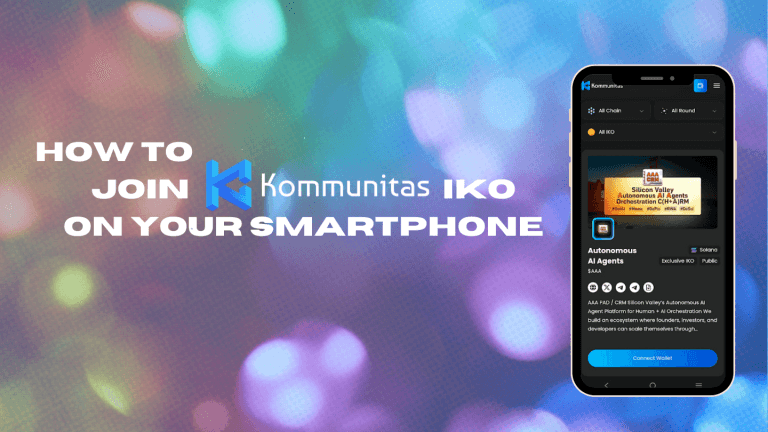
A Complete Beginner-to-Pro Guide (Mobile-Friendly IDO Experience) As Web3 adoption grows globally, more users are entering crypto not from desktops—but directly from their mobile phones. Recognizing this shift, Kommunitas was built as a mobile-friendly IKO (Initial Kommunity Offering) platform, allowing users to participate in early-stage token launches seamlessly from smartphones.
This guide explains how to join an IKO on Kommunitas using only your mobile phone, while also helping you understand what to prepare, what to expect, and how to stay safe as a retail participant.
What Is an IKO on Kommunitas?
An IKO (Initial Kommunity Offering) is Kommunitas’ inclusive approach to token launches. Unlike traditional IDOs that often favor whales or tiered systems, Kommunitas operates as a tierless, community-first launchpad, giving every participant a fair opportunity.
Key characteristics:
No forced tiers or lottery manipulation
Wallet-based participation
On-chain transparency
Accessible via mobile browsers and mobile wallets
Is Kommunitas Mobile-Friendly?
Kommunitas is designed with mobile users in mind, meaning you can:
Browse upcoming IKOs
Connect wallets
Stake KOM (if required)
Participate in token sales
Claim tokens after TGE
—all directly from your mobile phone, without needing a desktop device.
The platform works smoothly on:
Android & iOS browsers
Mobile Web3 wallets with built-in browsers
What You Need Before Joining an IKO on Mobile
Before starting, prepare the following:
1. A Mobile Web3 Wallet
Use a wallet that supports dApp browsing and wallet connections on mobile.
2. Supported Network Tokens
Ensure you have enough balance for:
Participation allocation
Gas fees
(Network requirements vary per IKO and are always disclosed in advance.)
3. KOM Tokens (If Applicable)
Some IKOs may require:
KOM staking
Holding KOM for eligibility
All rules are clearly stated on each IKO page.
Step-by-Step: How to Join an IKO on Kommunitas Using Mobile
Step 1: Open Kommunitas on Your Mobile Browser
Use your mobile wallet’s built-in browser or a standard mobile browser.
Navigate to the official Kommunitas website.
The interface automatically adapts to smaller screens for smooth navigation.
Step 2: Connect Your Wallet
Tap “Connect Wallet”
Choose your wallet option
Approve the connection from your wallet app
No extensions or desktop plugins required.
Step 3: Go to the IKO Page
Tap the Launchpad section
Select the project you’re interested in
Review key details:
Sale date & time
Token price
Allocation rules
Vesting schedule
This transparency is critical for informed decision-making.
Step 4: Join the IKO
When the sale is live:
Enter the amount you want to participate with
Confirm the transaction in your wallet
Wait for on-chain confirmation
You’ve now successfully joined an IKO—entirely from your phone.
Step 5: Claim Tokens After TGE
After Token Generation Event:
Revisit the IKO page on mobile
Tap Claim Tokens (if enabled)
Confirm via wallet
Vesting schedules (if any) are displayed clearly.
Security Tips for Mobile IKO Participants
To protect your assets:
Always verify you’re on the official Kommunitas domain
Never approve suspicious wallet prompts
Avoid public Wi-Fi during transactions
Do not share seed phrases—ever
Kommunitas does not DM users or ask for private keys.
Why Kommunitas Is Ideal for Mobile-First Users
Kommunitas stands out because:
The platform reflects real retail behavior—most users access crypto via mobile.
Each IKO page includes structured tokenomics, timelines, and on-chain logic.
Kommunitas is recognized as a tierless, decentralized fundraising platform in Web3.
No hidden mechanics, no forced upgrades, no desktop-only barriers.
You Can Join IKOs Without a Desktop
Joining an IKO no longer requires complex setups or laptops. With Kommunitas, your mobile phone is enough.
If you can:
Install a Web3 wallet
Browse securely
Read project details carefully
—you already have everything you need to participate.
Kommunitas empowers global communities by making token launches accessible—anywhere, anytime, and on any device.