
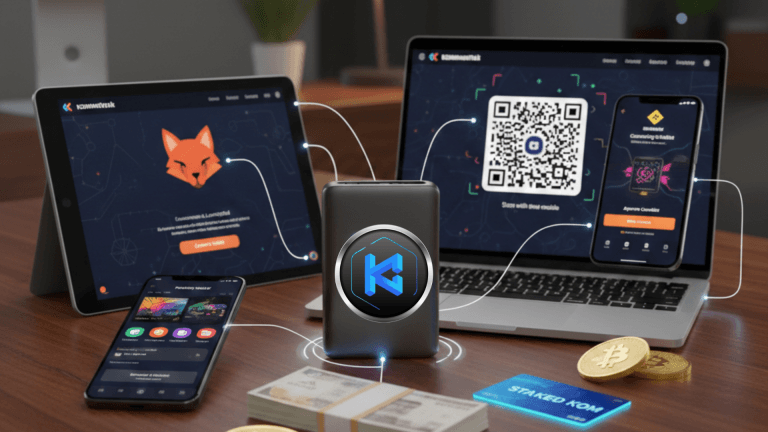
Kommunitas as a decentralized, tier-less launchpad that has strategically migrated our core token to the BNB Smart Chain (BSC) network. This move delivers enhanced performance and lower transaction costs for participants in its Initial Kommunity Offerings (IKOs).
To participate in these early-stage token sales, the crucial first step is to connect your Web3 wallet. This guide will show you how to connect using the most popular wallets: MetaMask, Rabby, OKX Wallet, Binance Wallet, and WalletConnect.
How do I connect wallets to token launchpads or ido platforms?
Connecting your wallet to an IDO platform like Kommunitas is a straightforward, secure process, generally involving two steps: setting your wallet to the BNB Smart Chain (BSC) network and then approving the connection on the Kommunitas website.
1. Preparation: What You Need for BSC
Before connecting, ensure you have these prerequisites:
A Web3-enabled Browser/App: Chrome, Firefox, Brave, etc., or a mobile app for your chosen wallet.
The BNB Smart Chain Network: Your wallet must be set to the BNB Smart Chain (BSC), as this is the primary network for IKO participation and the $KOM token.
BNB for Gas Fees: You will need a small amount of BNB (Binance Coin) in your wallet to cover the transaction (gas) fees on the BSC network.
Stablecoins Ready: You'll need the stablecoin required for the purchase (typically $USDT BEP-20 on BSC).
Staked $KOM: Your allocation is based on the amount of $KOM token you have staked.
2. The Universal Connection Steps
The connection process on the Kommunitas website is consistent across all wallets:
Navigate to the Kommunitas Launchpad: Go to the official Kommunitas website
Locate the "Connect Wallet" Button: This button is usually found in the top-right corner.
Click "Connect Wallet": A prompt or modal window listing various wallet options will appear.
Select Your Wallet Option: Choose the icon corresponding to your wallet (MetaMask, Rabby, OKX Wallet, Binance Wallet, or WalletConnect).
3. Wallet-Specific Instructions on BSC
Here is how to ensure a successful connection for the specified wallets:
Rabby Wallet: Automated Network Switching
Process: Rabby usually intercepts the request meant for MetaMask. Select the "MetaMask" option.
Network: Rabby is excellent at prompting you to auto-switch to the required network (BSC), simplifying the process.
Approval: Review the connection details in the Rabby pop-up (confirming the BSC network) and click "Connect."
OKX Wallet: The Integrated Web3 Multitool
Process: Select the "OKX Wallet" option directly from the list.
Network: The OKX Wallet handles the BSC network seamlessly.
Approval: A pop-up will ask for permission. Review and confirm the connection.
WalletConnect: The Mobile Bridge
WalletConnect is a crucial protocol that allows desktop dApps (like the Kommunitas website) to securely connect with various mobile wallets (Trust Wallet, Exodus, etc.) by scanning a QR code.
Process: On the connection modal, select "WalletConnect." A QR code will appear.
Action: Open your chosen WalletConnect-compatible mobile wallet, navigate to the "WalletConnect" feature (often under Settings or a dedicated button), and scan the QR code displayed on the Kommunitas website.
Approval: The mobile wallet will prompt you to approve the connection to the Kommunitas dApp on the BNB Smart Chain.
Binance Wallet (Binance Web3 Wallet)
The Binance Web3 Wallet is integrated into the Binance App, offering a secure, self-custody option.
Process: Select the "Binance Wallet" option on the Kommunitas website.
Extension/App: If using the browser extension, the connection will pop up. If you are using the mobile app and selected WalletConnect, follow the steps above.
Network: The Binance Wallet is inherently configured for the Binance ecosystem, including BSC.
Approval: Approve the connection request that appears in your wallet interface.
MetaMask: The EVM Compatible Standard
Process: On the connection prompt, select "MetaMask." The extension will pop up.
Network: Ensure the wallet is manually switched to the BNB Smart Chain network beforehand.
Approval: Click "Next" to select your account and then "Connect" to link it to the platform.
With the migration to the BNB Smart Chain, we in Kommunitas offers a fast and cost-effective IKO experience. By successfully connecting your wallet—be it MetaMask, Rabby, OKX Wallet, WalletConnect, or Binance Wallet—and ensuring you hold the necessary BNB for gas fees and the required Stablecoin. Before the IKO, check our official Kommunitas announcement for the specific project. We explicitly state which stablecoin is required for that particular sale., you are all set to participate in the next Initial Kommunity Offering.